

The real reason OKR programs die
It is almost never the goals.
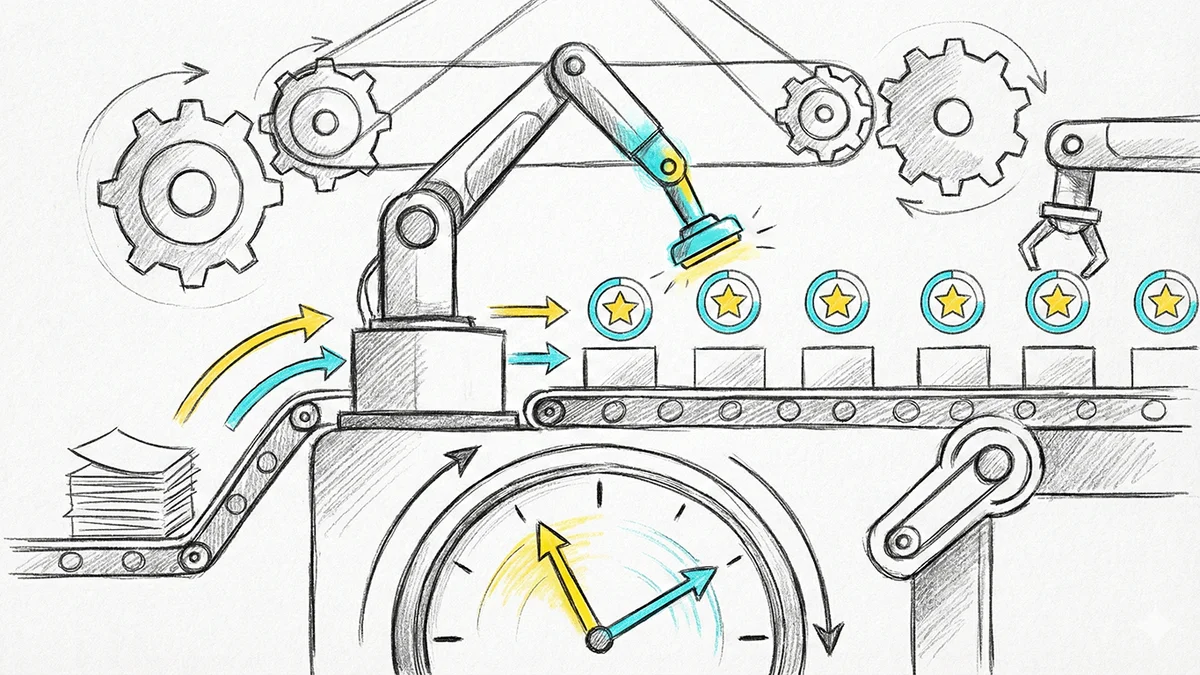
Most teams that abandon OKRs wrote perfectly reasonable objectives. What killed the program was Tuesday afternoon: log in, find your key results, remember which number moved, type it in, write a sentence about why. Fifteen minutes of context-switching, every week, competing against work that feels more urgent.
Miss two weeks and the dashboard goes stale. Once it is stale, nobody trusts it. Once nobody trusts it, the quarterly review becomes an archaeology exercise and the whole thing quietly dies.
The numbers that belong in a check-in usually already exist somewhere else — in an analytics query, a Jira board, a spreadsheet, a conversation you just had with an AI assistant about the work. The problem was never knowing the number. It was the trip to go type it in.
Today we're removing that trip.
What changed
Leemu now runs an MCP server. MCP — the Model Context Protocol — is an open standard that lets AI assistants connect to external tools. Connect Leemu to Claude, Cursor, or any MCP-compatible client, and you can say:
"Activation is at 34% now — the onboarding rewrite shipped, but the email sequence is still blocked on design. Log my check-in."
And Leemu records:
- Key result updated to 34%
- Achievement: onboarding rewrite shipped
- Blocker: email sequence waiting on design
No tab switch. No form. The update happens in the tool you were already working in, in the same breath as the work itself.
You can also just ask questions:
- "What are my key results this quarter, and which ones haven't I checked in on?"
- "Which of my team's OKRs are at risk, and why?"
- "Who on the team hasn't checked in this week?"
The hard part isn't the connection
Wiring an AI assistant to an API is straightforward. Doing it without creating a security hole is not, and that is where most of our engineering effort went.
Here is the problem. An OKR platform is a permission-shaped system. A team member should see company objectives but not a colleague's personal ones. A team lead can update their own team's goals but not another team's. Only workspace admins set company-level strategy.
The moment you hand an AI assistant an API token, you have to answer: whose permissions does it act with?
Get this wrong — issue a token scoped to the whole workspace — and any employee's assistant can now read every private objective and rewrite company strategy. That is not a hypothetical; it is the default outcome if you build the integration the easy way.
Three rules we built around
The assistant inherits your permissions exactly. Not a service account. Not an admin token. Every request is authenticated as you, and every action is checked against your actual role. If you cannot create a company objective in the web app, neither can your assistant.
Permissions are checked live, not at connection time. This one matters more than it sounds. Your access token stores which permissions you granted, but that list is treated as a ceiling, never as authority. On every single request, we re-derive what you are actually allowed to do from your current role and intersect the two.
The practical consequence: if someone is demoted from admin to member, or leaves a team, their assistant's access shrinks on the very next request. No token reissuance, no logout, no waiting for anything to expire. We tested this by demoting a user mid-session — the token still listed all fifteen permissions, but effective access collapsed to eight immediately, and the company-level write was refused.
Nothing is permanently destructible. Assistants can archive an objective, which is reversible from the web app. There is no hard-delete tool at any permission level, deliberately and permanently. This is our answer to prompt injection: if an assistant is ever manipulated into doing something destructive, the worst available outcome is something you can undo.
Why some changes need your approval
Not every write is equal. Updating a number is reversible and easy to sanity-check. Generating an entire quarter's OKR set is neither — an AI that is confidently wrong about your strategy is expensive to unwind and easy not to notice until the quarter is over.
So we split them. Check-ins and single-field updates apply directly, because that is the weekly loop and friction there defeats the purpose. But when an assistant drafts a full OKR set or a strategic goal, it creates a proposal instead — you get a link to review, edit, and approve it in Leemu.
This also has a pleasant side effect: it brings you back into the product at the moment you are most engaged with your goals, rather than at the moment you least want to be there.
Everything is on the record
Every change an assistant makes is written to your workspace audit log, tagged with which client made it. "What did the AI change last week?" is a question every admin eventually asks, and the answer should never be "we don't know."
Getting connected
Copy your server URL from Settings → AI Connections:
https://app.leemu.io/api/mcp
In Claude, add it under Settings → Connectors → Add custom connector. For config-file clients:
{
  "mcpServers": {
    "leemu": {
      "url": "https://app.leemu.io/api/mcp"
    }
  }
}
You will get a Leemu consent screen showing exactly which permissions the assistant is requesting — and, importantly, which ones were dropped because your role doesn't allow them. We show the dropped ones deliberately. Silently discarding permissions leaves people confused weeks later when a tool refuses to run.
To confirm it worked, ask your assistant to "use the whoami tool on Leemu." It should return your name, role, teams, and granted permissions.
Settings → AI Connections lists every connected assistant, what it can do, and when it was last used. Revoking takes effect immediately.
Availability
MCP is available on every plan. Free includes read-only access, so you can connect and see your OKRs through your assistant. Check-ins and edits — the part that actually builds the weekly habit — are on Standard and Premium.
Usage is metered in tool calls rather than AI tokens, because with MCP the inference happens in your client, not on our servers. We only count the work we actually do.
What we're watching
We think the weekly check-in is the highest-leverage thing to make frictionless, which is why create_check_in was the first tool we built and the one everything else was designed around. Objective creation from a chat window demos well, but it happens once a quarter. Check-ins happen every week, and weekly is where habits live — or die.
If you connect Leemu to your assistant, we'd genuinely like to know which prompts you reach for. That is what tells us which tool to build next.
MCP support is available now in Leemu. Read the setup guide to get started.
Ready to align your team with OKRs?
Start tracking your objectives and key results with Leemu. Free to get started, no credit card required.
Get Started Free